QR Codes 4 min read
What Size Should a QR Code Be? A Print Size Chart for Cards, Flyers and Signs
The minimum QR code size, the 10-to-1 distance rule, and a size chart for business cards, flyers, door hangers, yard signs, posters and banners.
The short answer
Print a QR code at least about 0.8 inches (2 cm) square, and size it to the scanning distance: roughly 1 inch of code for every 10 inches of distance. That means about 1 inch on business cards and flyers, 6 to 8 inches on a yard sign read from the sidewalk, and bigger on banners. Keep a blank border of four modules around it, and test before you print.
A QR code that doesn’t scan is worse than no code at all: people try once, give up, and remember that it didn’t work. Size is the most common reason. Too small for the distance, and phones can’t read it.
The good news: picking the right size takes one rule and one chart.
The rule: 1 inch of code for every 10 inches of distance
QR code guides from Bitly and QR Code Generator both use the same rule of thumb: a code scans from about 10 times its own width. So to size a code:
Scanning distance ÷ 10 = minimum code width.
- Held in the hand, about 10 inches away: 1 inch.
- On a wall, about 3 feet (36 inches) away: about 3.5 inches.
- From the sidewalk, about 6 feet (72 inches) away: about 7 inches.
It’s a starting point, not a guarantee. Lighting, print quality and how much is in the code all matter, which is why the last step is always a test scan.
The minimum size: about 0.8 inches (2 cm)
Even for things people hold right up to their phone, both Bitly and QR Code Generator recommend at least 2 x 2 cm (about 0.8 inches). Below that, scans start failing, especially on older phones and with longer links.
QR code size chart for print
Sizes below come from the 10-to-1 rule and the 0.8-inch minimum. They’re for the printed code itself, not counting the blank border around it.
| Where it’s printed | People scan from about | Code size |
|---|---|---|
| Business card | 8 to 10 inches | 0.8 to 1 inch |
| Postcard, flyer, door hanger | 10 to 12 inches | 1 to 1.25 inches |
| Table tent, counter sign, menu | 1 to 2 feet | 1.25 to 2.5 inches |
| Poster on a wall | 3 to 4 feet | 4 to 5 inches |
| Window sign, read from outside | 5 to 6 feet | 6 to 7 inches |
| Yard sign (18 x 24 in.), from the sidewalk | 5 to 7 feet | 6 to 8 inches |
| Banner or event backdrop | 10 to 15 feet | 12 to 18 inches |
What else changes the size you need
How much is in the code
Every character you add makes the pattern denser. DENSO WAVE’s own example: 50 letters and numbers at the Medium error correction level need a code 29 squares (modules) across. A longer link needs more squares, so at the same printed size each square gets smaller and harder to read.
The fix is simple: use a short link. yourbusiness.com/menu makes a much simpler code than a long web address with tracking codes on the end.
Error correction
QR codes can repair some damage, and you choose how much. Higher levels survive scuffs and folds better, but they add squares, so the code needs a little more printed size. Medium is right for most print. Use a higher level for things that get handled a lot, like door hangers and yard signs.
The blank border (quiet zone)
DENSO WAVE says a QR code requires a clear margin four modules wide on every side. Count it as part of your layout. Text, borders or photos crowding the code are one of the most common reasons good-sized codes still fail.
Print quality and paper
Sharp printing on smooth stock lets you go smaller. Textured paper, uncoated stock and low-resolution printing need bigger codes. For print, download an SVG (vector) file so the code stays crisp at any size.
Sizing tips by product
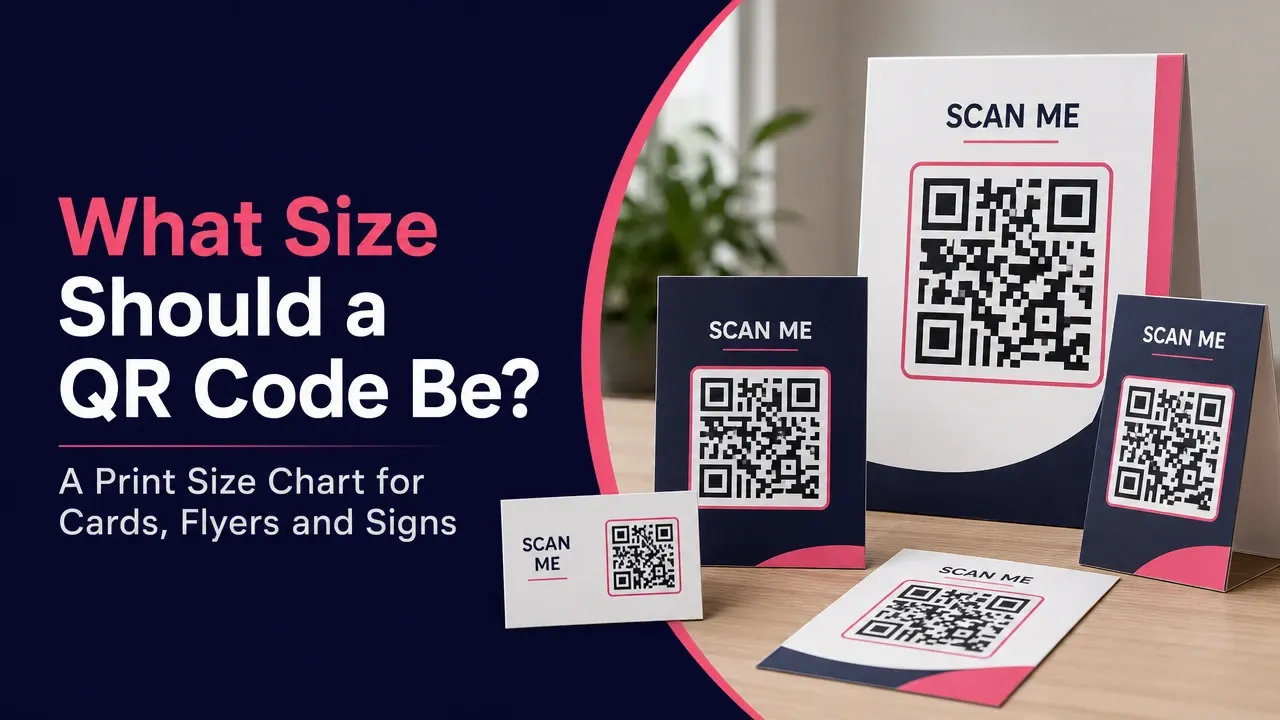
- Business cards: Put the code on the back, about 1 inch square, with a short label like “Scan to book.” Our free business card maker sizes it for you.
- Postcards and flyers: 1 to 1.25 inches near the offer, not tucked in a corner.
- Door hangers: 1 to 1.25 inches on the front panel at eye level, where people see it while it’s still on the door. More in our door hanger guide.
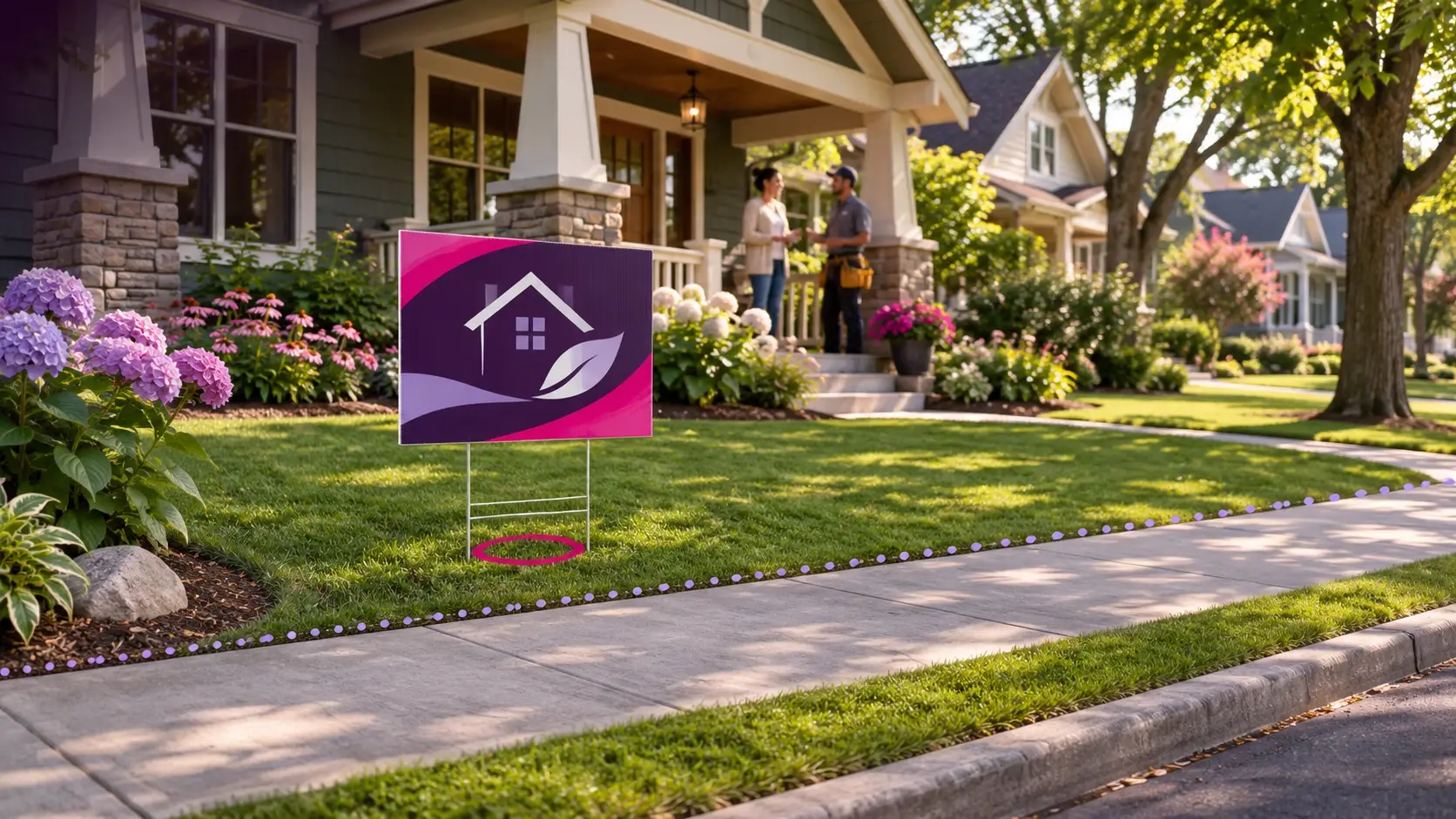
- Yard signs: 6 to 8 inches, but only after the headline and phone number are big enough to read from a car. Most passersby read; a few walk over and scan. See yard sign marketing ideas.
- Review cards: 1.25 inches or more, centered, with “Scan to review us on Google.” Here’s how to make a Google review QR code.
Test before you print
- Print one copy at actual size on the real paper, or as close as you can get.
- Scan it from the real distance with an iPhone and an Android phone.
- Try it in the real light: a dim restaurant, bright sun on a yard sign.
- Make sure it opens the right page.
Five minutes of testing saves reprinting a box of cards.
The bottom line
Start with the distance people will scan from, divide by 10, and never go below about 0.8 inches. Keep links short, leave a four-module border, download an SVG for print, and test the real printed piece before you order the full run.
Questions people ask
What is the smallest a QR code can be?
About 0.8 x 0.8 inches (2 x 2 cm) is the practical minimum for print that people hold in their hands. Smaller codes can work with very short links and sharp printing, but they fail more often on older phones. Test any code you print smaller than that.
What is the 10-to-1 rule for QR codes?
It's a rule of thumb: a QR code can be scanned from about 10 times its own width. A 1-inch code scans from about 10 inches away; a 6-inch code from about 5 feet. To size a code, take the distance people will scan from and divide by 10.
What size QR code for a business card?
About 0.8 to 1 inch square. Business cards are scanned from close up, so 0.8 inches works for a short link. Go to 1 inch if the link is long or the card has a textured finish.
What size QR code for a yard sign?
About 6 to 8 inches square on a standard 18 x 24 inch sign, so someone on the sidewalk 5 to 7 feet away can scan it. Leave room for a big headline and phone number, because most people passing by will read rather than scan.
Does a longer link make the QR code bigger?
Yes. More characters means more squares (modules) in the pattern. At the same printed size, each square gets smaller and harder to read. Use a short link, or print the code bigger.
How much blank space does a QR code need around it?
A clear border four modules wide on every side. DENSO WAVE, which invented the QR code, says the code requires that four-module margin. Text or graphics crowding the code is a common reason scans fail.